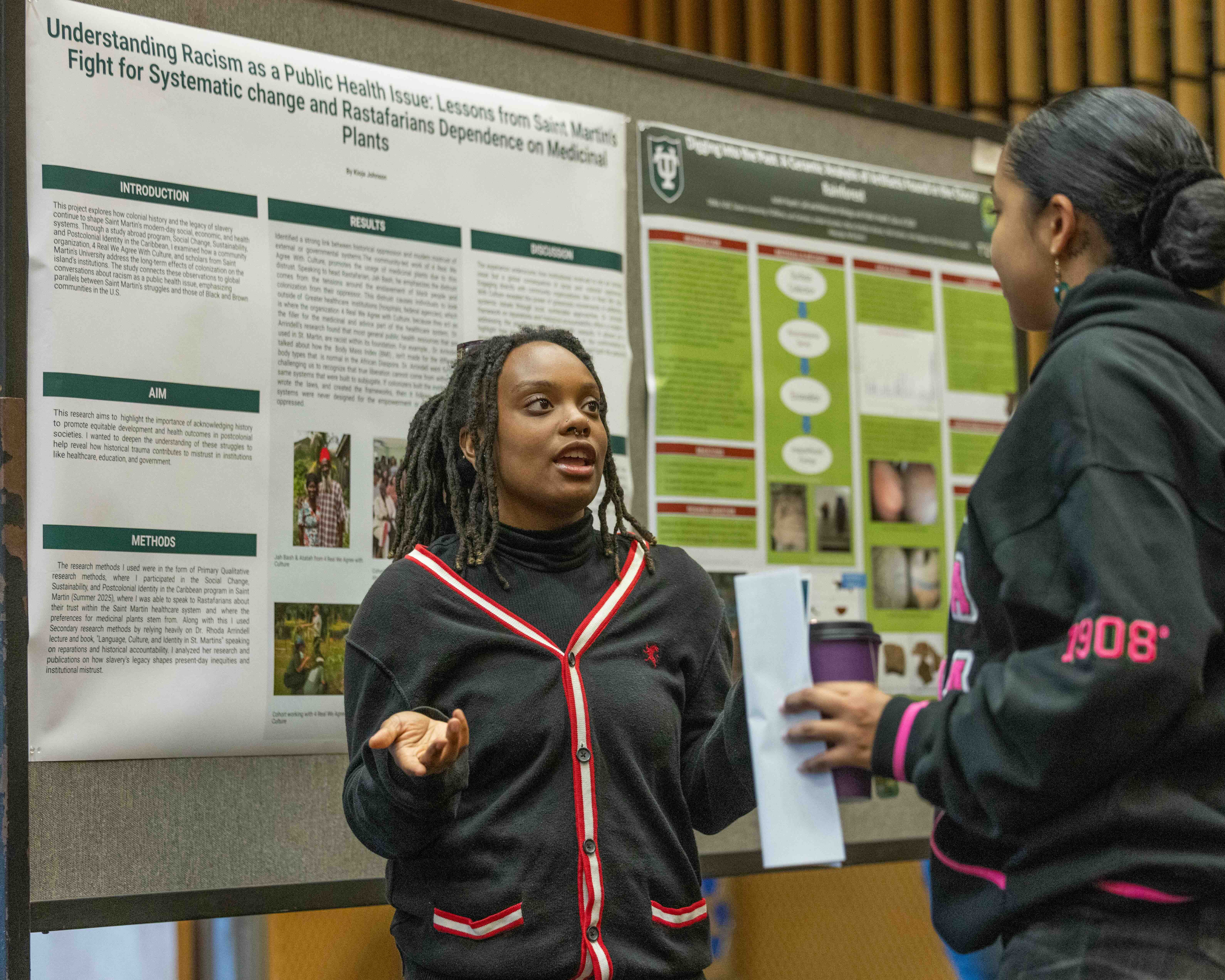
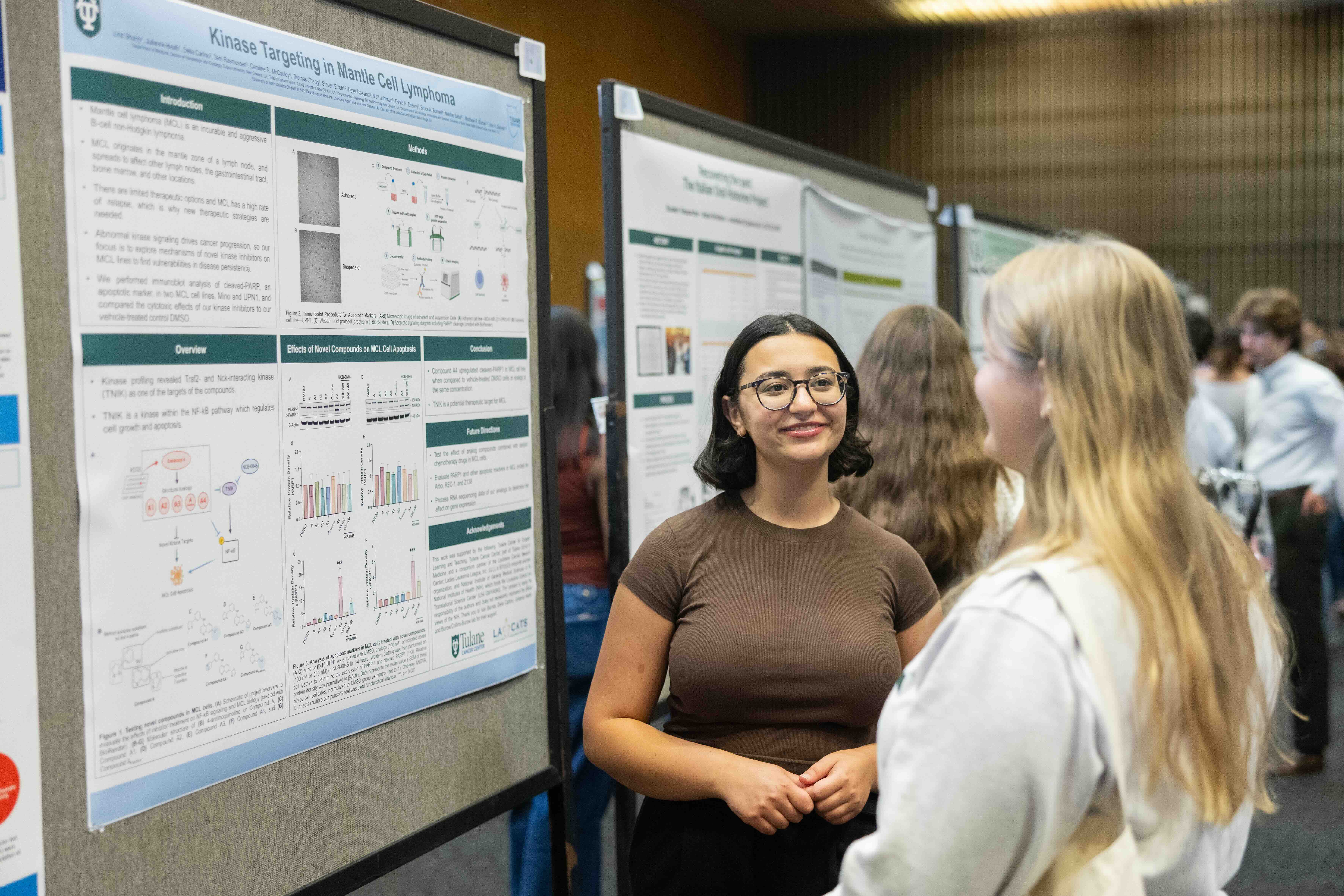
Research & Idea Symposium
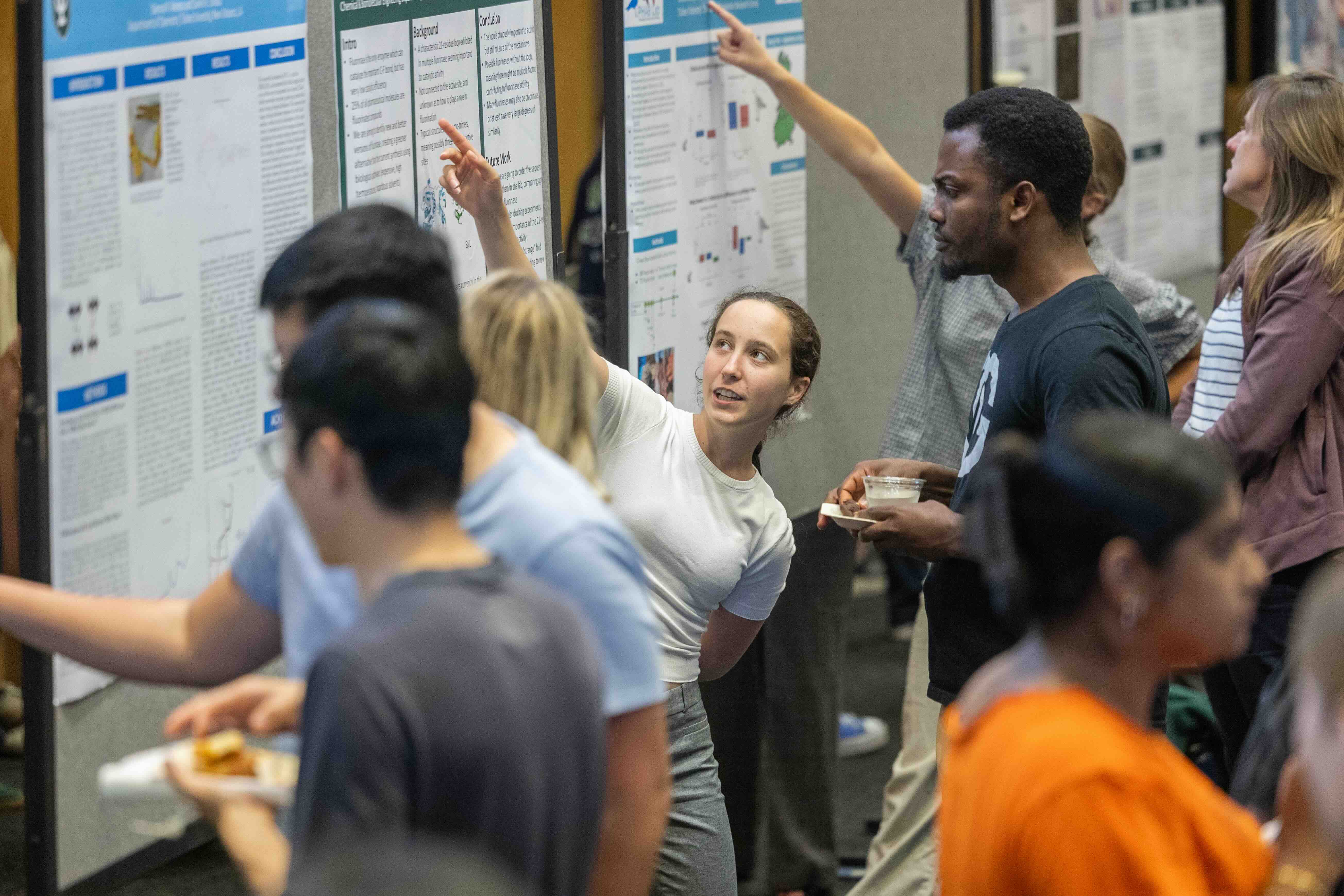
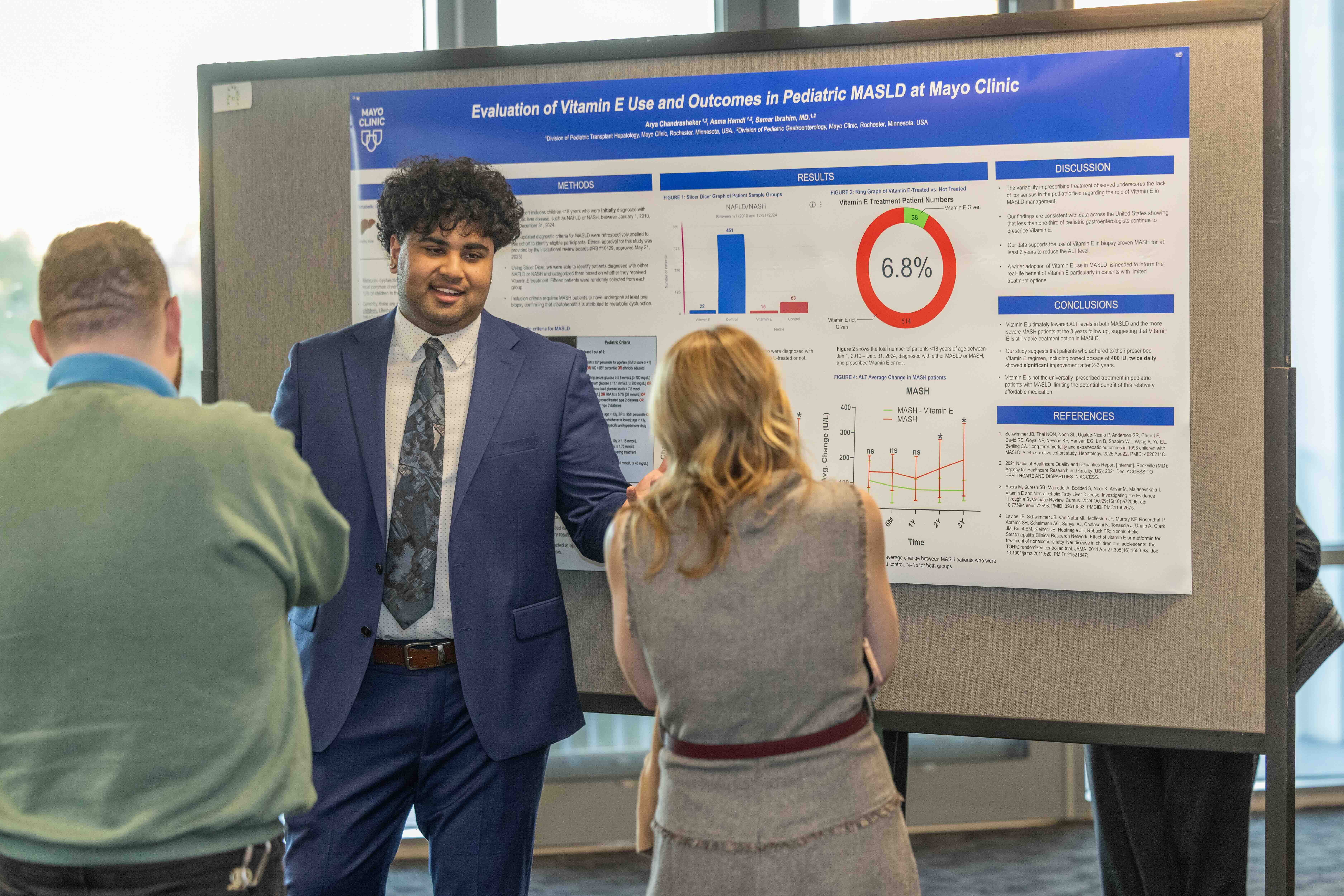
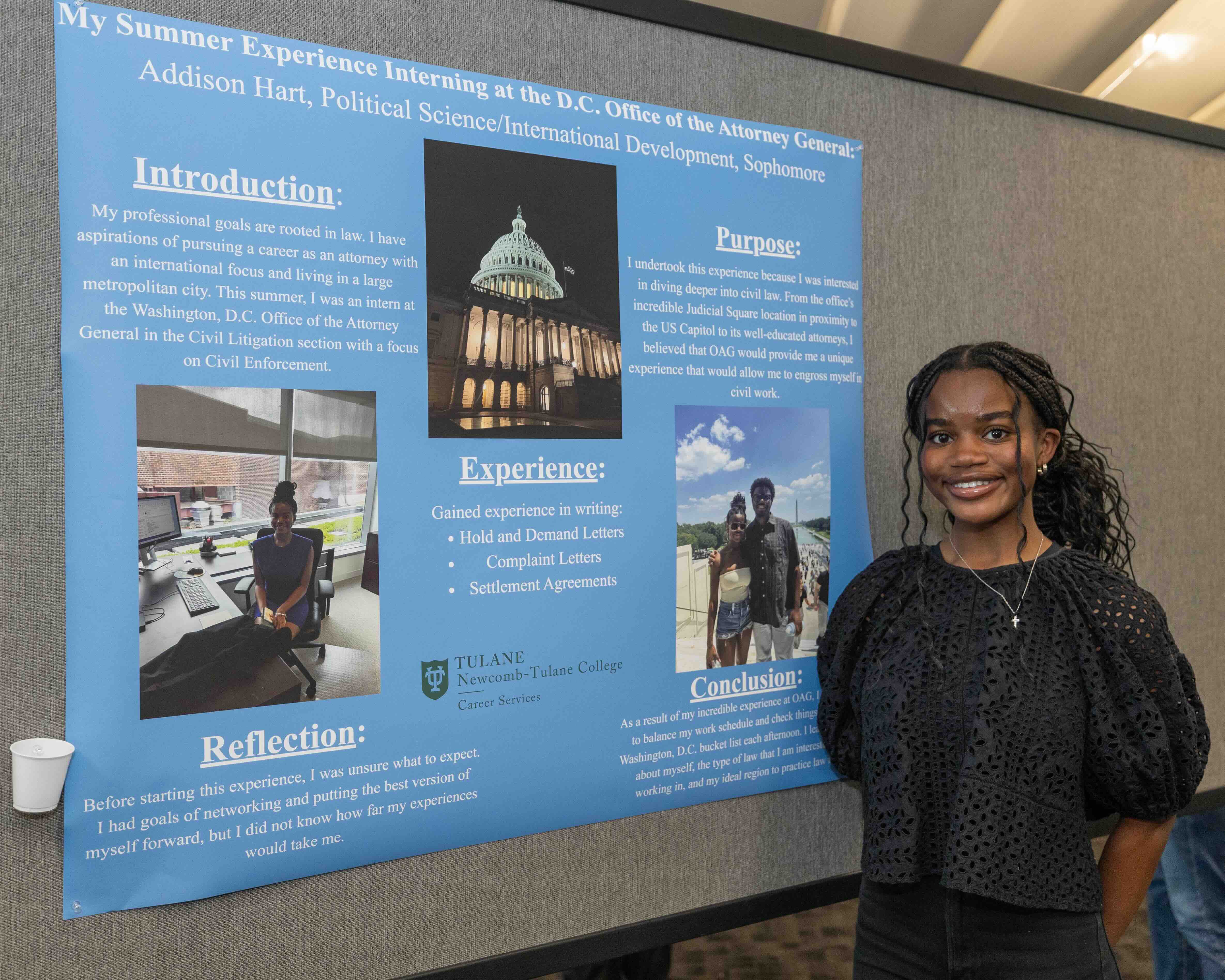
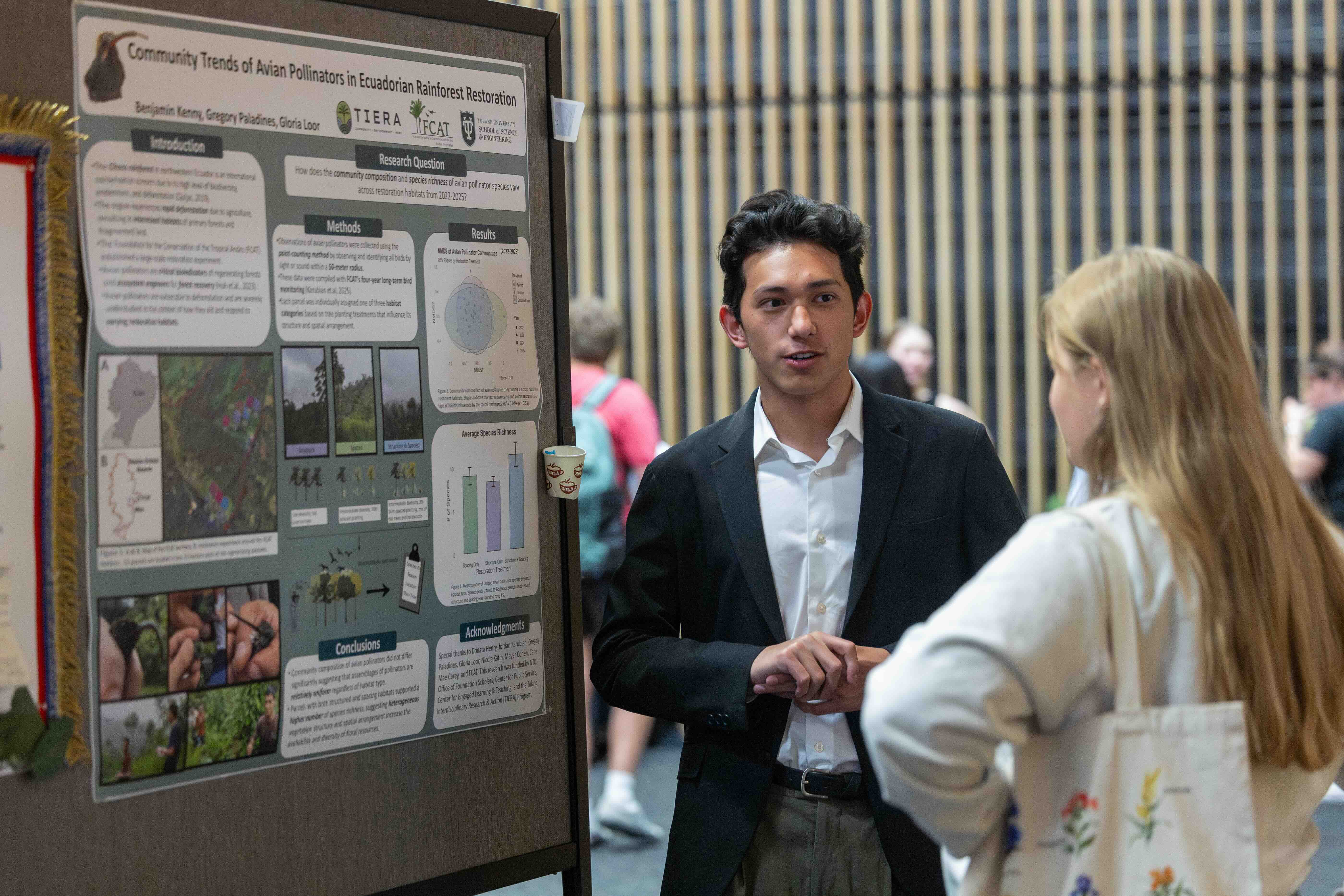
The Newcomb-Tulane College (NTC) Research & Idea Symposium is the undergraduate showcase providing students the opportunity to present research projects, internship outcomes and grant-funded experiences, practice communication and presentation skills, connect with faculty and fellow researchers, fulfill funding requirements and generate a resume-building publication.
All NTC undergraduate students from any major are invited to share their findings and experiences with faculty and peers through a poster presentation at either the fall or spring symposium. Your poster and presentation must represent your specific role in the project.
Important Dates, Deadlines and Forms
To present your poster in either the fall or spring symposium, you must submit the registration form indicating your intent to present and provide details about your project, your abstract for inclusion in the digital event program and your final poster for printing along with photos from your project.
Date: Nov. 10 from 4-5:30 p.m.
Location: LBC, Kendall Cram Lecture Hall & Qatar Ballroom
Registration deadline: Oct. 2
Fill out the form to participate
Abstract submission deadline: Oct. 19
Your submitted abstract must be final. If you would like your abstract reviewed by URAF staff before submitting, email it as a Word doc to uraf@tulane.edu no later than noon on Oct. 9.
Poster and photo file submission deadline: Oct. 26
Date: April 2027; check back for final date
Location: LBC, Kendall Cram Lecture Hall & Qatar Ballroom
Registration deadline: TBA
Abstract submission deadline: TBA
Poster and photo file submission deadline: TBA
Abstract Requirements
An abstract is a short summary of your presentation, usually about a paragraph (75-150 words) long. A well-written abstract lets readers get the gist or essence of your presentation quickly, prepares readers to follow the detailed information, analyses, and arguments of your presentation and helps readers remember key points about your presentation.
- The context or background information for your research/internship/experiential learning, the general topic under study and/or the specific topic of your research/internship/experiential learning.
- The central questions or statement of the problem your research/internship/experiential learning addresses.
- What’s already known about this question/what previous research has done or shown.
- The main reason(s), the exigency, the rationale and/or the goals for your research/internship/experiential learning: Why is it important to address these questions? Are you, for example, examining a new topic? Why is that topic worth examining? Are you filling a gap in previous research, applying new methods to take a fresh look at existing ideas or data or resolving a dispute within the literature in your field?
- Your research and/or analytical methods.
- Your main findings, results or arguments.
- The significance or implications of your findings or arguments.
Poster Requirements
If your file does not meet these requirements, it will be rejected. You will need to correct all errors and resubmit.
The PDF of the poster you submit must be “flattened” before printing and sized at 42x36 inches in landscape orientation. We recommend the method outlined on this webpage.
Templates, presentation guidelines, and printing resources can be found here for sciences and here for social sciences and humanities.
- Begin with a core question or problem that your research or experience addresses along with a clear response to this question, which forms a central thesis.
- Highlight the methodology, i.e., the data collection and/or observations that allowed you to draw your main conclusions.
- Use a mixture of text and graphics to illustrate your findings.
- Don't be exhaustive; present the highlights of the project.
- Use at least 150 dpi but no more than 300 dpi for all pictures and graphs.
- Web images usually have poor resolution, so be wary about using them on posters. Images may not look bad on your computer, but keep in mind the sheer size difference between your computer screen and your printed poster.
- If you're using photos, save them as JPG or PNG for best results. For linear images, like charts and graphs, use PNG only.